AccountSync Edward Jones Setup
Edward Jones Data Access via SnapTrade (Beta)
Edward Jones will be disabling their OFX server in 2026. To keep automatic transaction imports working through AccountSync, bivio has partnered with SnapTrade. Many clubs are already using our SnapTrade integration with other brokers. Clubs using Edward Jones will need to switch to this new integration using the steps below.
The existing OFX integration is deprecated and will be removed once clubs have transitioned.
What to expect
Authorization - You'll be redirected to Edward Jones' own site to log in and authorize SnapTrade as a third-party data provider.
Read-Only Access - bivio will have read-only access to your account's balance, transactions, and holdings - we cannot take any actions on the account.
Beta Status - This integration is new, so transaction imports may be slower than usual while we finalize things. We appreciate your patience.
No Extra Cost - There is no additional charge for linking via SnapTrade.
Connecting bivio AccountSync to a Edward Jones Brokerage Account
Login to your club in bivio.com and select Accounting>Accounts. At the right of your Edward Jones account click "info". If you are switching from another broker to Edward Jones, first create a new account in bivio for Edward Jones by clicking the yellow "Create" icon and type Edward Jones in the Name field.
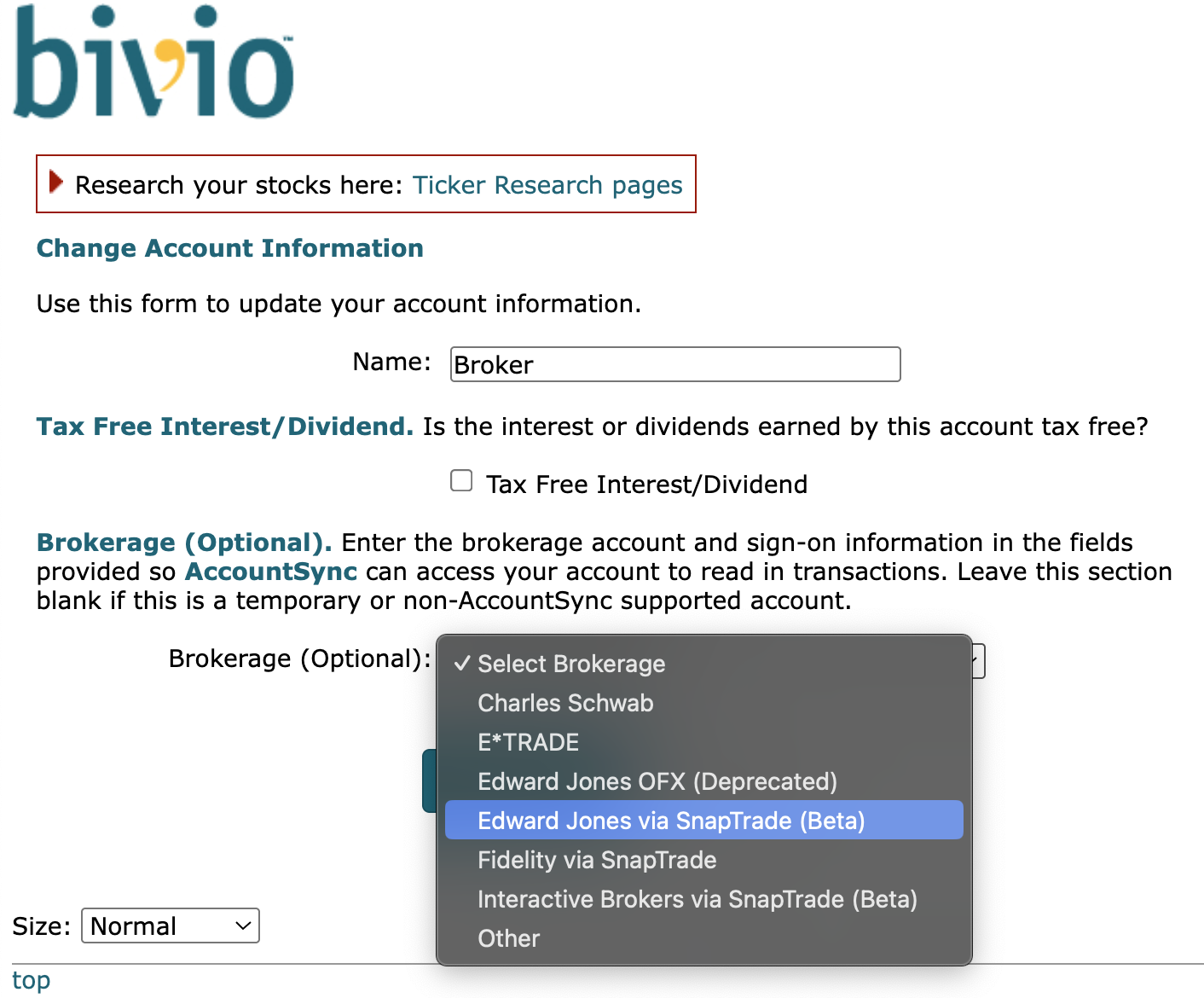
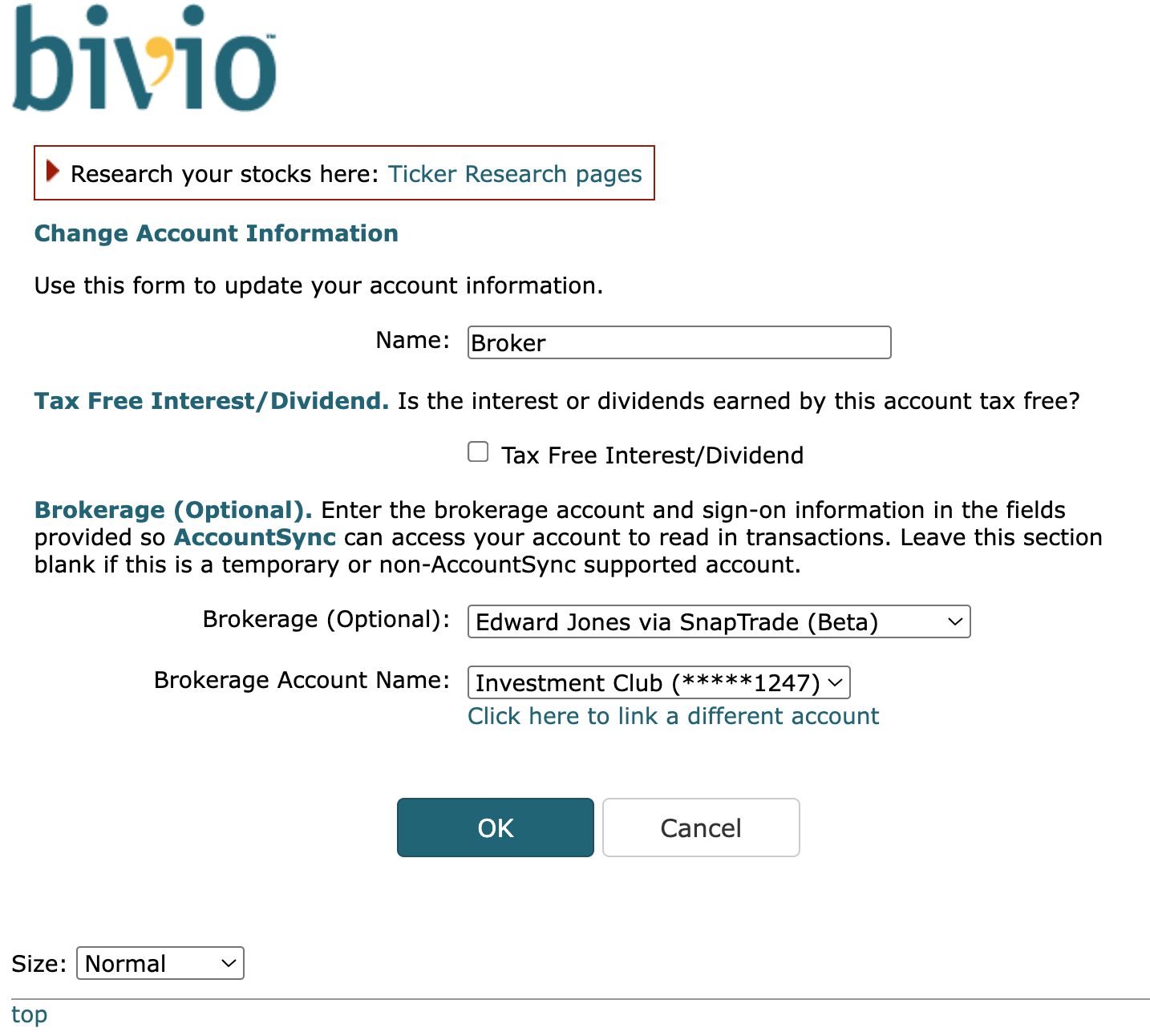
Select "Edward Jones via SnapTrade (Beta)" from the drop-down box titled "Brokerage (Optional)". The page will refresh and it may be a short time before a "Link Account" button appears.
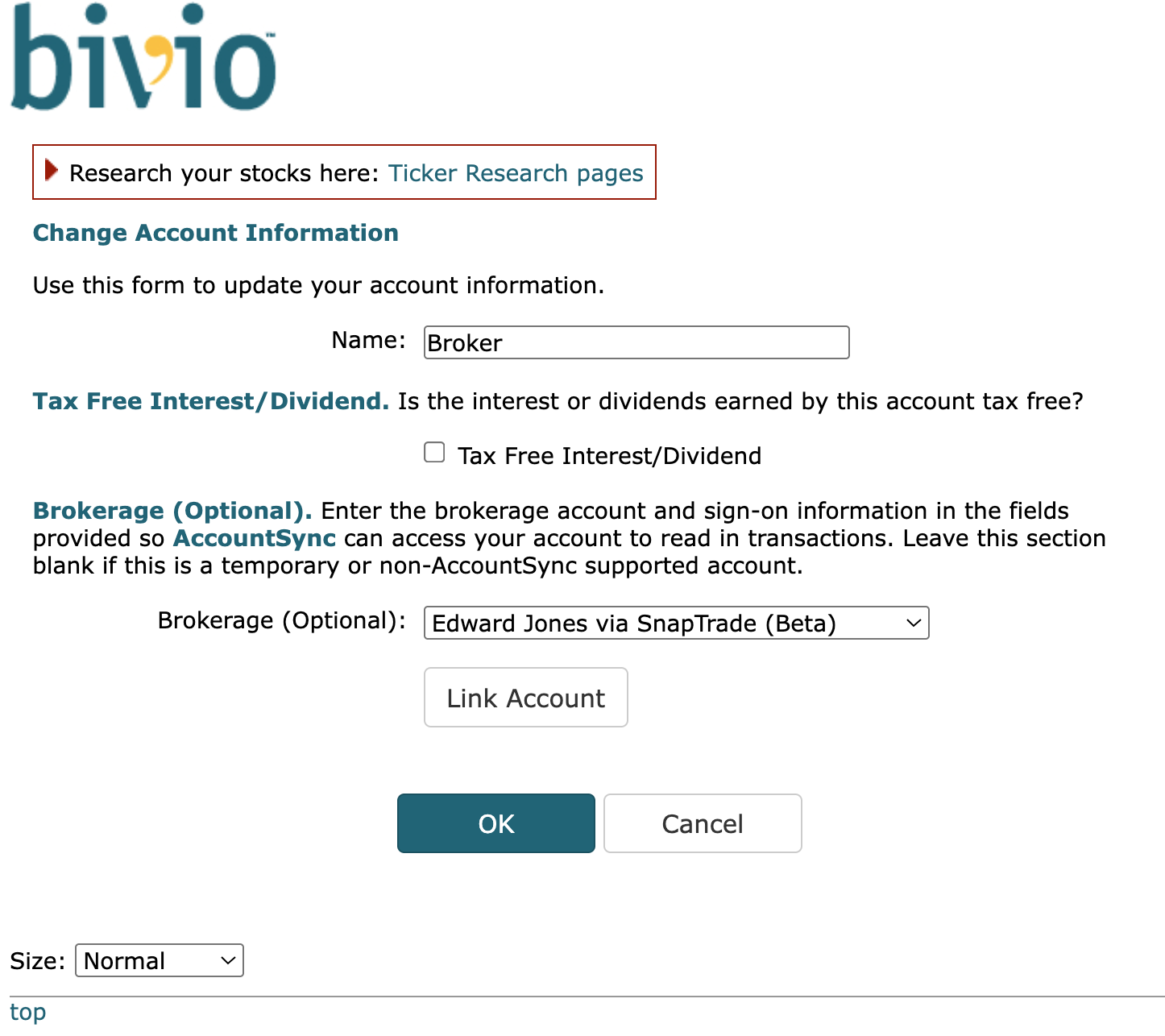
Click the Link Account button, which will start the SnapTrade account linking process.
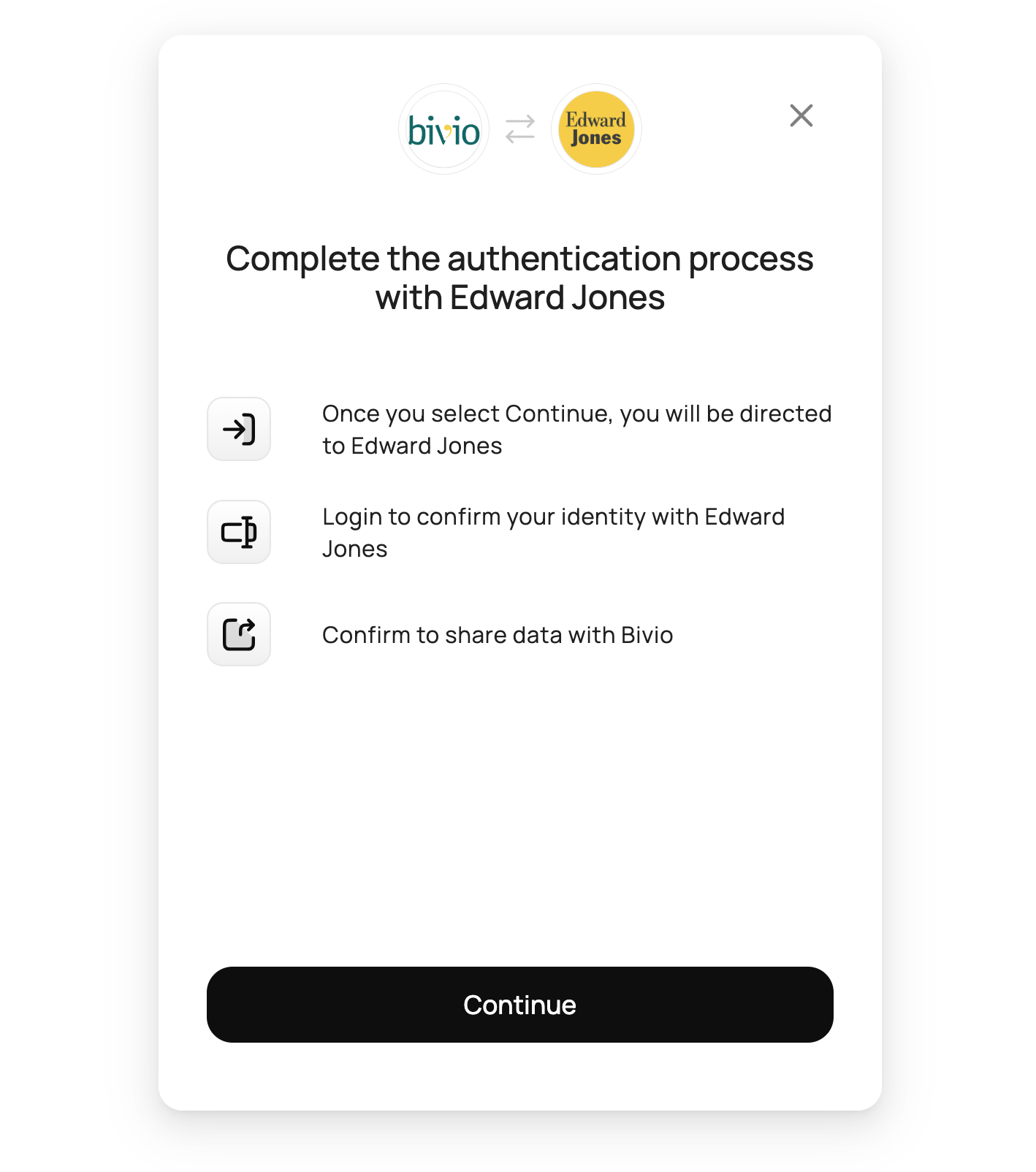
Click Continue to be redirected to Edward Jones.
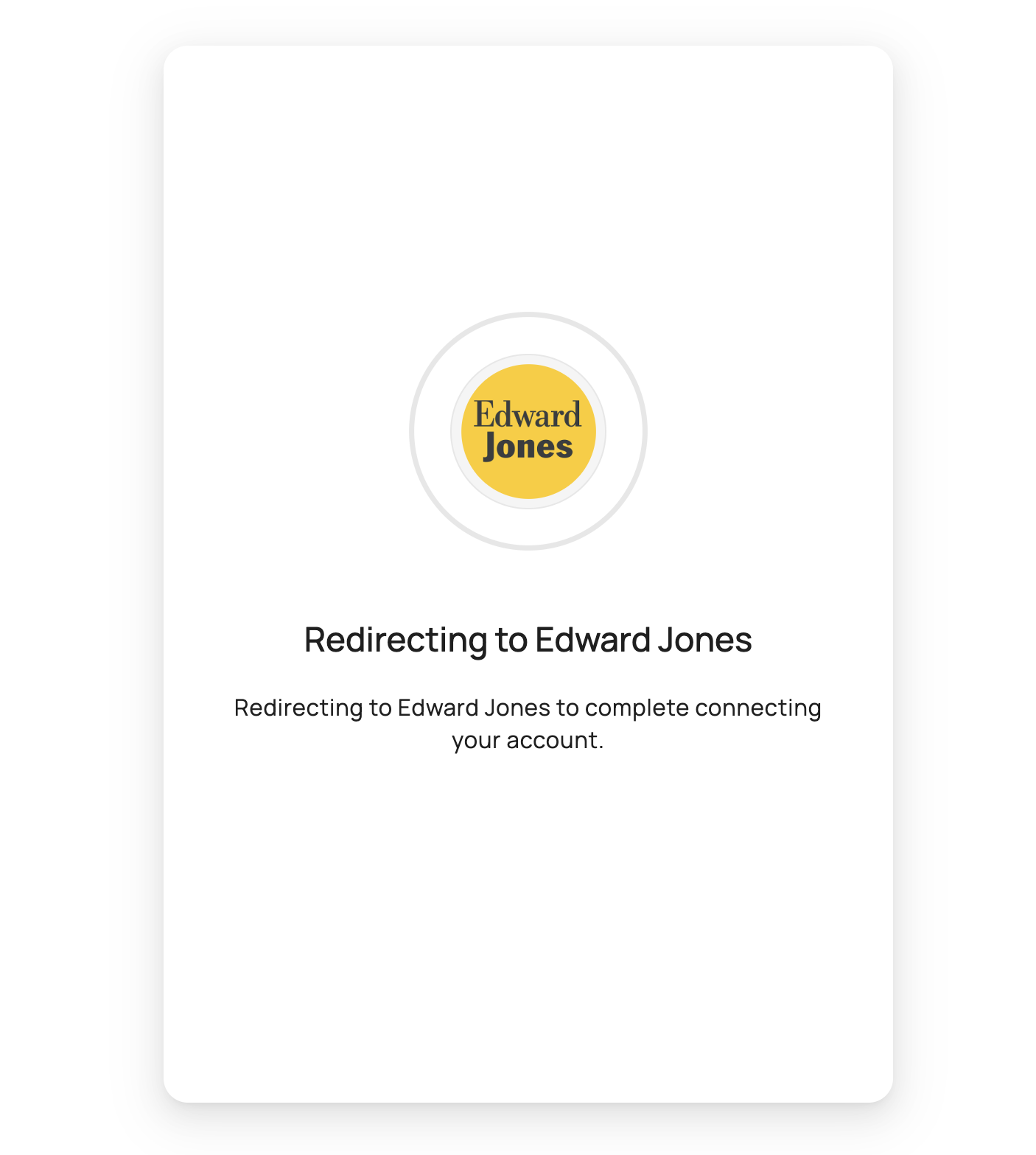
Please wait for the login screen to appear.
Log in to Edward Jones to connect your account.
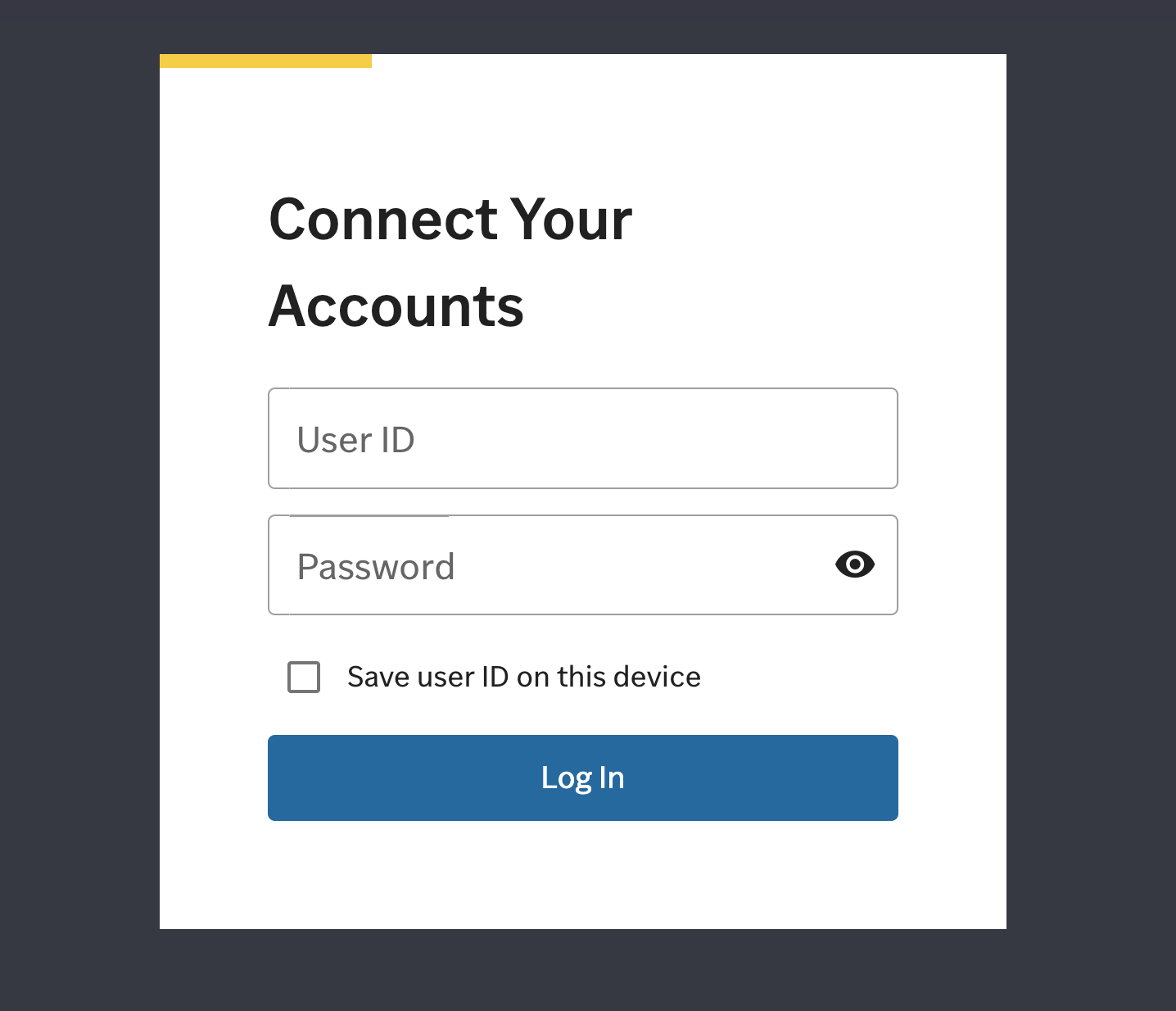
Follow any additional steps that are presented to confirm your authorization to share your account data with bivio.
You should now be redirected back to your bivio account. The Brokerage Account Name field will now be populated with your Edward Jones account name and redacted account number.
Make sure the account is selected and click OK to complete the setup.
Since this integration is new, it may take more time than usual for transactions to appear in your bivio account. We will try to import transactions as soon as possible. Let us know at support@bivio.com if AccountSync hasn't imported any given Edward Jones transactions for 3 or more business days. Also let us know if any transactions are imported incorrectly.